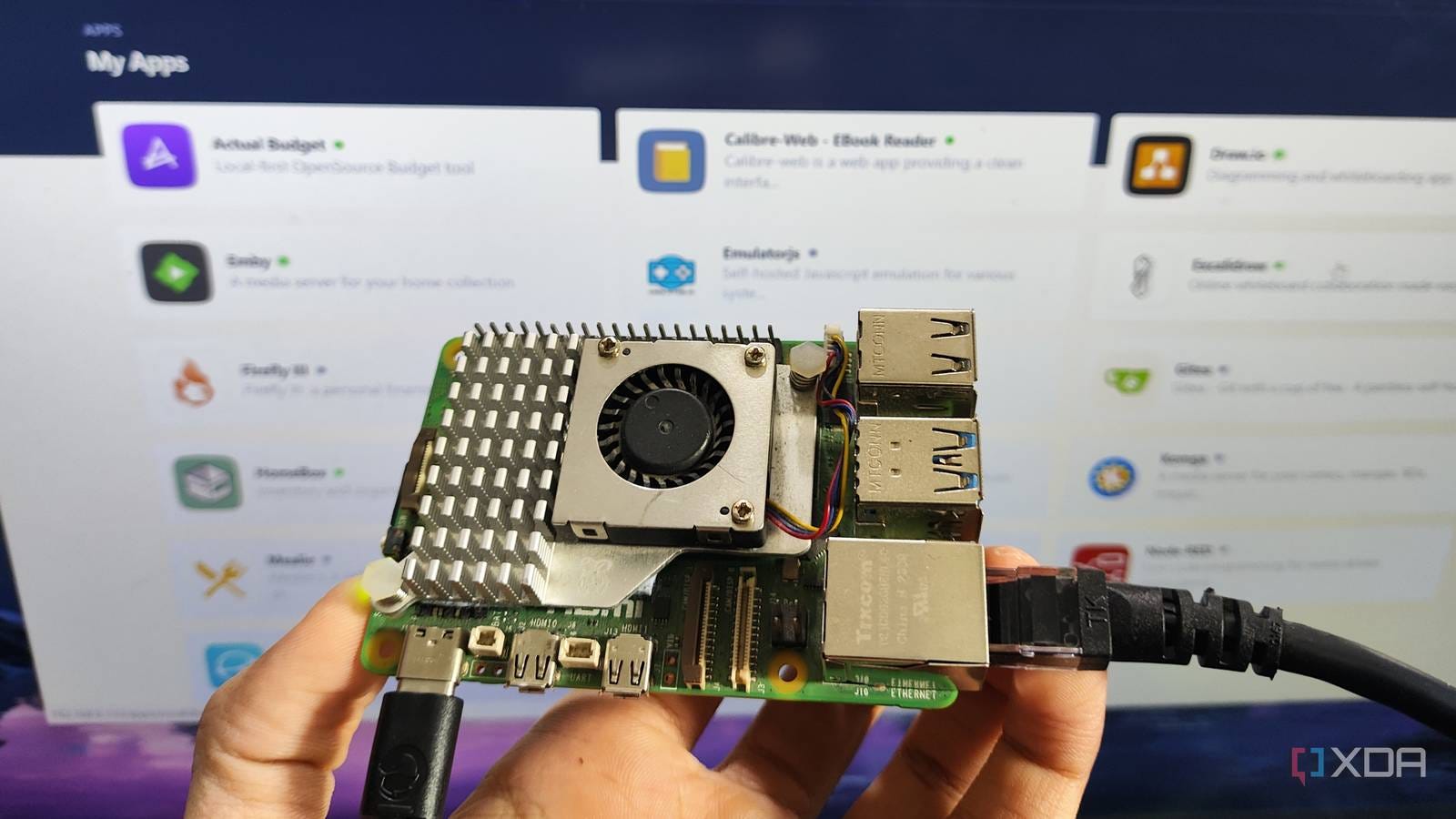

Running production workloads on a Raspberry Pi sounds like a side-project—until you realize it solves problems that cloud servers can’t.
In this post, I’ll break down why I host my blog and WhatsApp bot on a Raspberry Pi, how Cloudflare Tunnel makes it internet-accessible despite a dynamic residential IP, and why Nginx is the glue that lets me scale multiple services cleanly.
This setup is:
Cheap
Stable
Surprisingly production-ready
And in some cases better than EC2
Why Raspberry Pi Instead of EC2 or a VPS?
Most people start blogs on:
Shared hosting
VPS
Cloud platforms like EC2
That works—until you deal with automation, bots, or long-running services.
The WhatsApp Automation Problem
If you run WhatsApp automation on cloud servers:
WhatsApp detects data-center IP ranges
Automation traffic is flagged
Accounts get blocked
This often violates WhatsApp’s ToS
A Raspberry Pi running from home uses a residential IP, which:
Looks like normal user traffic
Avoids cloud ASN detection
Dramatically reduces ban risk
That alone justified moving critical services off the cloud.
Real-World Use Case: WhatsApp Bot on Raspberry Pi
I run a WhatsApp bot using a Go-based library:
This bot runs 24/7 on a Raspberry Pi and has been far more stable than cloud-hosted attempts.
But that introduced a new challenge…
The Core Challenge: Exposing a Raspberry Pi to the Internet
Residential internet has problems:
Dynamic IP (changes anytime)
NAT & firewall restrictions
No inbound ports by default
You cannot reliably point a domain to your home IP.
This is exactly what Cloudflare Tunnel solves.
Cloudflare Tunnel: The Backbone of This Setup

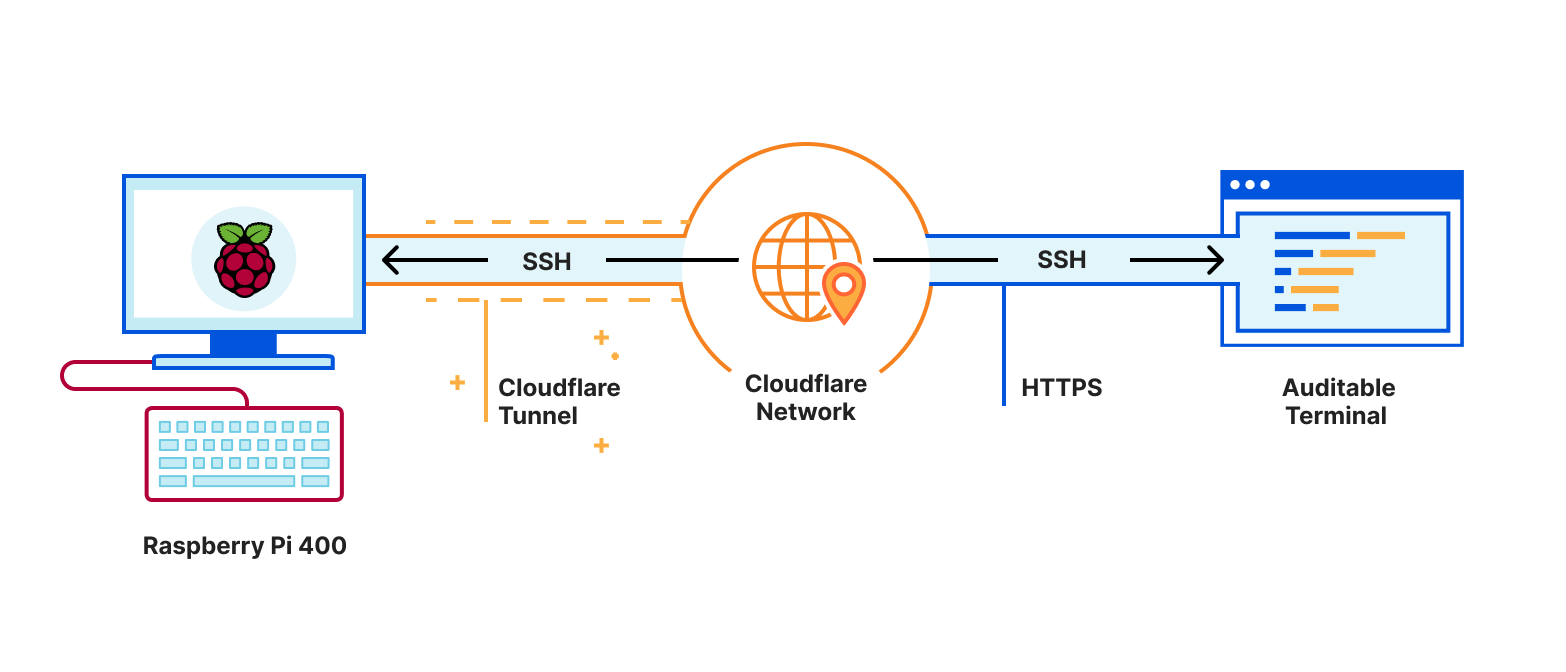
Cloudflare Tunnel creates an outbound connection from your Raspberry Pi to Cloudflare.
What This Gives You
No port forwarding
No static IP
No router changes
No exposed home network
Secure, encrypted traffic
Your Raspberry Pi calls Cloudflare—not the other way around.
📘 Official docs:
https://developers.cloudflare.com/cloudflare-one/networks/connectors/cloudflare-tunnel/
📘 Guide I followed:
https://pimylifeup.com/raspberry-pi-cloudflare-tunnel/
⚠️ Important Caveat (Learned the Hard Way)
Do not create the tunnel from the Cloudflare dashboard UI.
If you:
Create the tunnel in UI
Then try configuring it on Raspberry Pi
You’ll hit:
Token mismatches
Broken configs
Silent failures
✅ Correct Approach
Always:
Install
cloudflaredon the Raspberry PiCreate the tunnel from the terminal
Let the Pi manage credentials locally
This single decision saves hours.
Why Nginx Is Mandatory (Not Optional)
Once your tunnel works, exposing one service is easy.
But what about:
Blog
API
Bot webhook
Admin panel
Side projects?
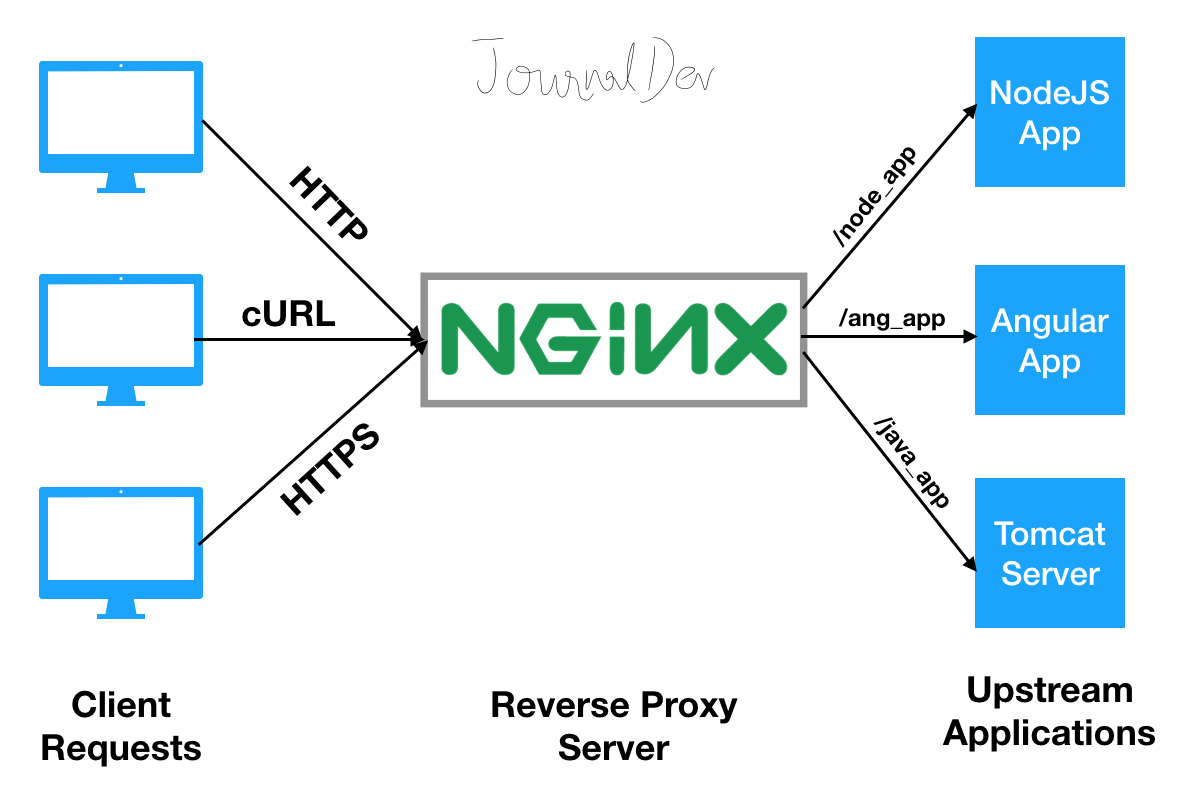
That’s where Nginx comes in.
Using Nginx to Host Multiple Services Behind One Tunnel
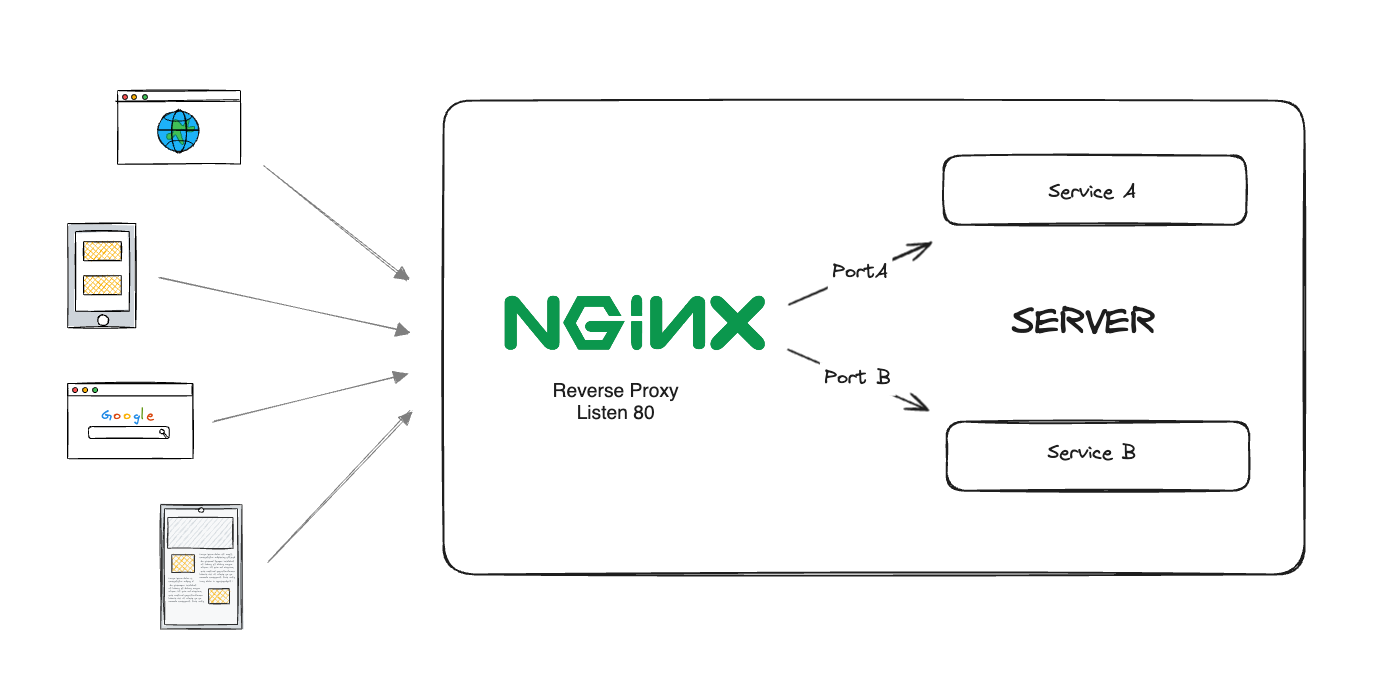
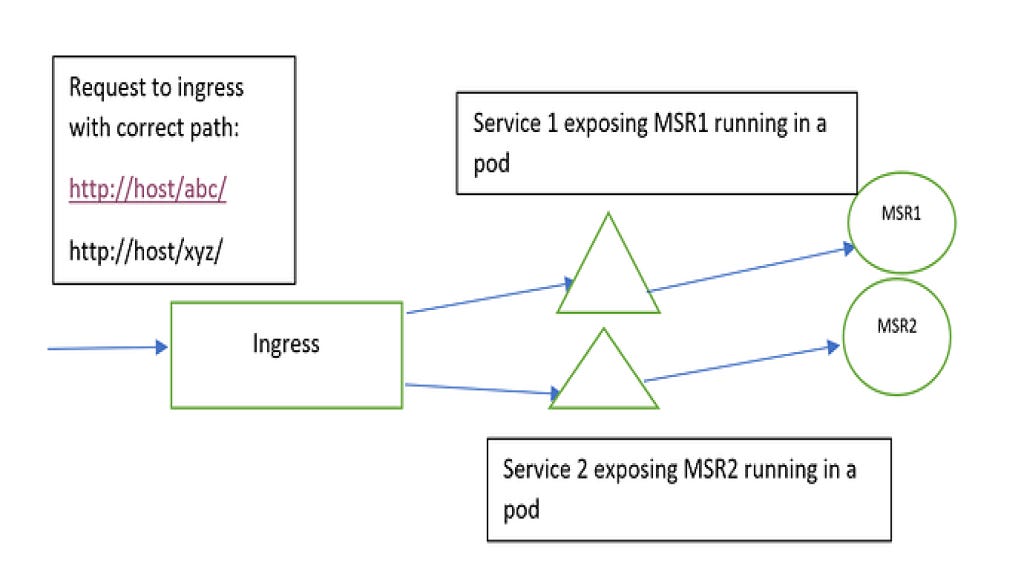
Nginx acts as a reverse proxy:
One Cloudflare Tunnel
One domain
Multiple internal services
Clean routing by path
Optional authentication per route
Nginx Configuration (Production Example)
server {
    listen 80 default_server;
    server_name example.yourdomain.com;

    # Protected API
    location /api {
        auth_basic "Restricted API Access";
        auth_basic_user_file /etc/nginx/.htpasswd;

        rewrite ^/api/?(.*) /$1 break;
        proxy_pass http://localhost:8000;

        proxy_set_header Host $host;
        proxy_set_header X-Real-IP $remote_addr;
        proxy_set_header X-Forwarded-For $proxy_add_x_forwarded_for;
        proxy_set_header X-Forwarded-Proto $scheme;
        proxy_set_header X-Forwarded-Prefix /api;
    }

    # Secondary Service
    location /service {
        proxy_pass http://localhost:5001;
    }

    # Blog / Main App
    location / {
        proxy_pass http://localhost:5000;
    }
}
What This Enables
RouteServicePort/Blog5000/apiAuth-protected API8000/serviceSecondary service5001
All behind one tunnel.
Why This Is Perfect for a Blog
Hosting a blog this way gives you:
✅ Zero hosting cost
✅ Full ownership
✅ Residential IP trust
✅ Easy expansion
✅ No cloud vendor lock-in
And tomorrow, if you want to add:
Webhooks
Bots
AI workers
Internal dashboards
You don’t need another server.
Final Thoughts
This setup isn’t anti-cloud.
It’s right-tool-for-the-job engineering.
For:
Blogs
Automation
Bots
Side projects
Always-on services
Raspberry Pi + Cloudflare Tunnel + Nginx is:
Minimal, powerful, and production-worthy.